



Productivity
Year-End Productivity Reset: A Checklist for Closing Open Loops Before the Holidays
October 22, 2026
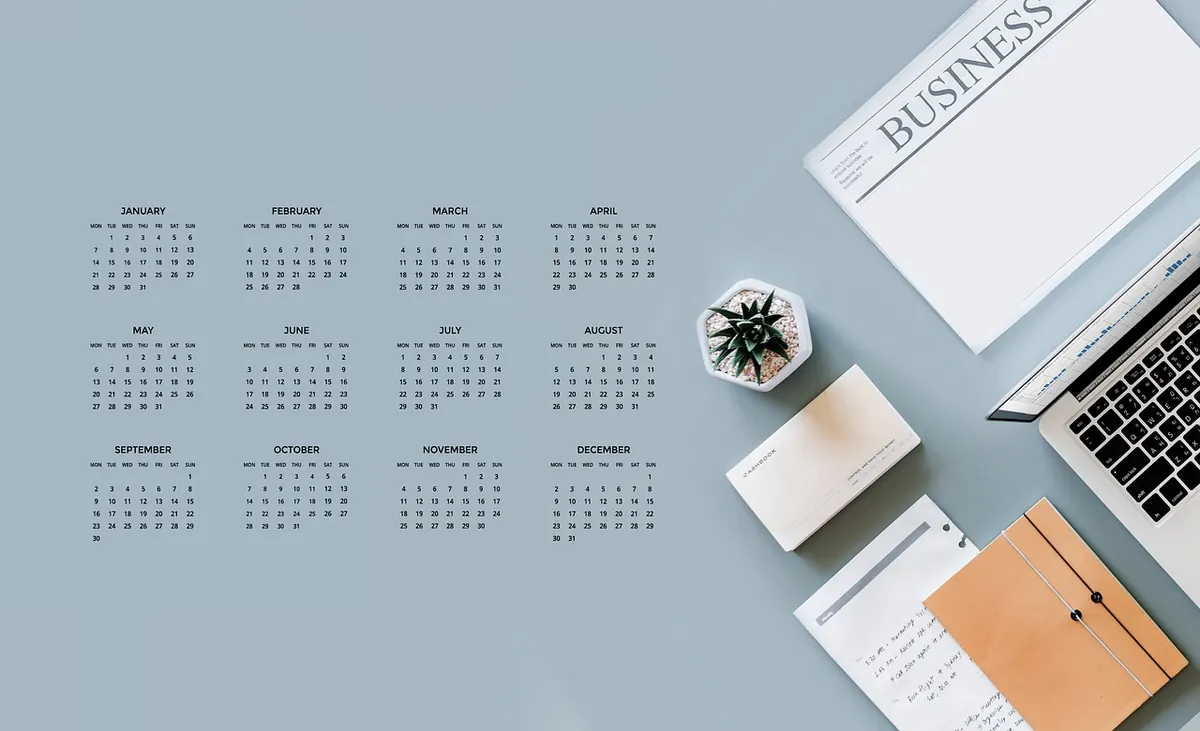
There is a particular kind of tiredness that arrives in mid-December. It isn't the satisfying tired of work finished; it's the fog of work half-finished. The proposal you almost sent. The spreadsheet migration that stalled at eighty percent. The message you drafted, reread, and left in the box. None of these is heavy on its own. Together they crowd the last weeks of the year, and they follow you into the holidays.
Closing those loops doesn't require a heroic sprint. It needs a couple of hours, one document, and a willingness to decide. Here is a checklist for doing it before the holidays begin.
Why an open loop costs more than the task itself
An unfinished task keeps a small, persistent claim on your attention. You remember it in the shower, reopen the same email for the third time, check the document again to see where you left off. The task itself might take ten minutes. The reloading is what drains the week.
Call it decision debt. A decision made once is cheap. A decision postponed has to be paid again every time the task resurfaces, and in December it resurfaces constantly: in your inbox, in a meeting, in the half-second before sleep.
The point of a year-end reset isn't to finish everything. It's to make sure nothing is waiting on a decision you keep refusing to make. Closing a loop can mean completing it, scheduling it, handing it over, or killing it. All four count.
Step one: build a full inventory
Before you organise anything, find out what you're actually carrying. Open a blank document, set a timer for twenty minutes, and work through this:
- Sweep every place a task can hide: your inbox for the last sixty days, your task app, the notes app on your phone, the paper notebook, open browser tabs, the downloads folder, sticky notes on the monitor, and messages you sent to yourself.
- Write each item as a short verb phrase: "send revised quote to Marco", "cancel the storage subscription", "answer the accountant's questionnaire".
- Include the vague ones. "Sort out the workshop plan" belongs on the list precisely because it's vague; vague items linger longest.
- Resist the urge to fix anything. This pass is capture, not action.
You'll usually end up with thirty to eighty items. That number can feel alarming. It is also the first honest picture of your workload you've had in months, and it's almost always smaller than the anxious version you've been carrying around.
Step two: sort into four buckets
Go down the list once and give every item a destination. Four buckets are enough.
- Do now (two minutes or less). Reply, confirm, send the file, cancel the subscription. Batch these at the end of the sort so you don't lose momentum.
- Schedule. Give it a date and a time block in your calendar. An item without a date is a wish; an item with a date is a plan.
- Hand off or ask. Delegate it, request the missing information, or tell someone the answer will arrive in January. Note who owes what.
- Archive or drop. Most items land here. Be honest: if this appeared in front of you brand new today, would you start it? If not, let it go.
Anything genuinely interesting but not for now goes on a single "someday" page. Close the page. Don't review it until February, when the year has room in it again.
Step three: close projects, don't just pause them
A project that stops without a note doesn't stop. It goes underground and reopens in January with interest.
Write a handover note to yourself
Ten lines at the top of the project file: what this is, where it stands, the next action, who is waiting on it, where the files live, and what "done" looks like. Future-you will have forgotten the context; the note is the only thing that brings it back in under a minute.
Move it out of sight
Create an archive folder labelled with the year and move everything into it: documents, spreadsheets, screenshots, the stray PDF someone emailed in October. Then remove the project from your active task list and close its tabs. In a project tool, mark it paused with the date and the reason.
Leave one visible thread
For anything you'll genuinely pick up in January, leave a single marker: a calendar entry, one task with a start date, or a line at the top of the document reading "Start here". One thread is enough. More than that and you've rebuilt the clutter you just cleared.
Step four: the small-stuff sweep
Set thirty minutes and work fast. This pass is about friction, not perfection.
- Archive inbox messages older than a month that need no reply, unsubscribe from three senders you never read, file the rest.
- Clear the downloads folder and desktop: delete duplicates, move keepers into folders, empty the bin.
- Bookmark the tabs you'll genuinely return to and close the others.
- Review recurring meetings that no longer earn their slot, and check December for commitments you agreed to in a different mood.
- Clear your desk surface. A clean desk on the last working day is a small gift to whoever sits down in January.
Step five: plan a December that fits December
Count the working days you actually have left. Most people overestimate by a third, because parties, half-days, school holidays, and travel eat the edges. Plan at roughly two-thirds of your normal capacity, choose two or three priorities for the remaining weeks rather than ten, and bundle shallow administrative work into one block instead of sprinkling it across every morning.
Guard the edges
Decide now when you stop. Set an out-of-office date, tell the people who need to know, and offer a real alternative: "I'll pick this up on 6 January; if it's urgent before then, contact Chiara." That sentence is not a rejection. It's a schedule.
Leave room for the month itself
December has its own obligations, and a plan that ignores them collapses in the second week. Block the afternoons you know will disappear, protect one or two mornings for actual work, and keep the honest answer ready for new requests: "I can do that in the first week of January." It will be respected more often than you expect.
The ninety-minute version
If the full checklist feels like one more project, run the short version.
- Twenty minutes: dump every open item into one document.
- Twenty-five minutes: sort into do, schedule, hand off, drop.
- Twenty-five minutes: write handover notes and archive your two largest stalled projects.
- Fifteen minutes: sweep the inbox, downloads folder, and desk.
- Five minutes: name two priorities for the remaining working days.
Then stop. Close the document.
A closed loop isn't a finished task. It's a task that no longer needs you to remember it.
Leave the last working day with an empty surface and a short list, and the holidays will feel like they belong to you rather than to your backlog.
Photo: geralt / Pixabay
Related posts
More stories you’ll love reading